
Why Impressions Are Up but Clicks Are Down in SEO





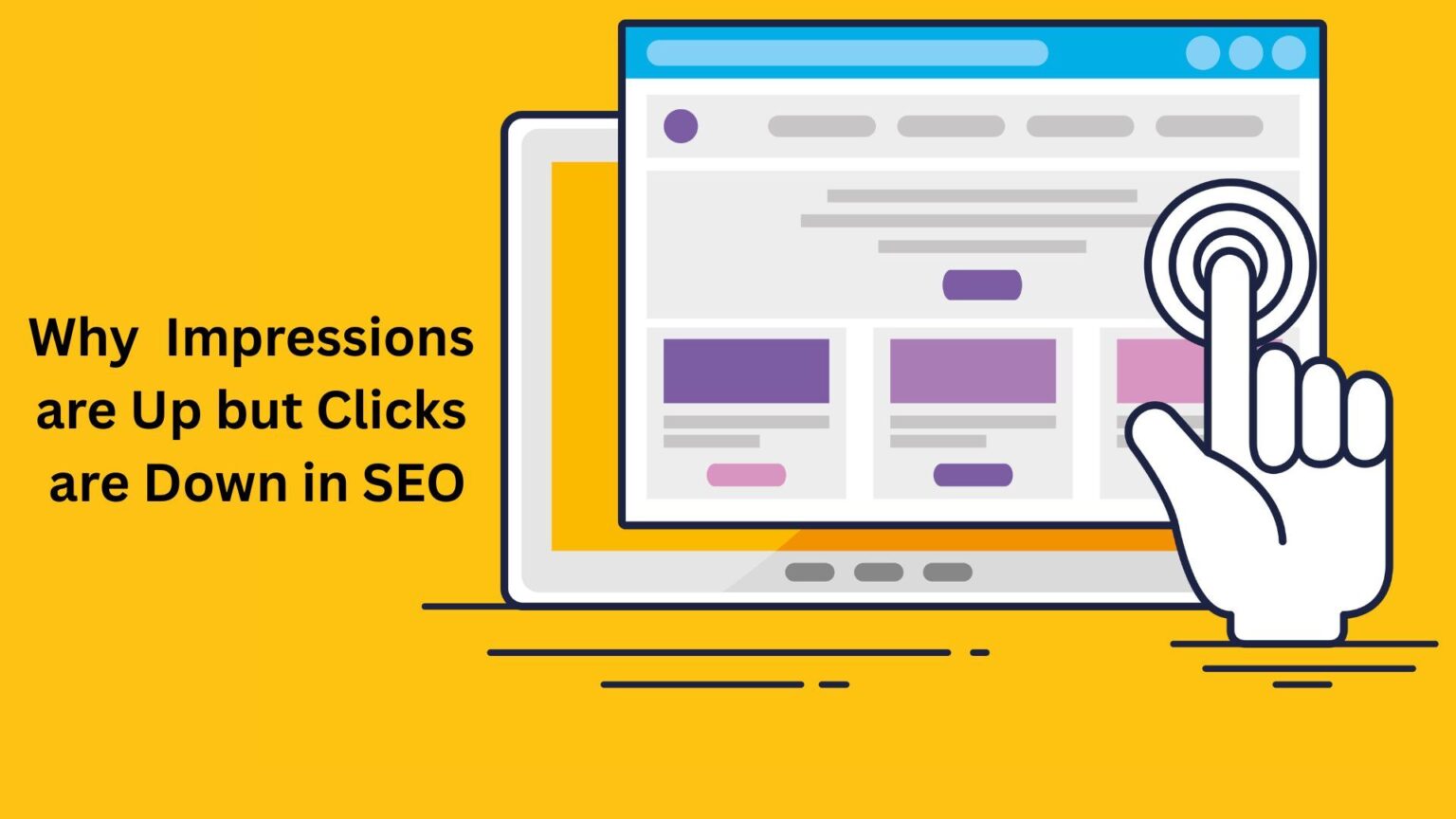
Search engine optimization (SEO) often delivers metrics that look contradictory at first glance. One common scenario many website owners face is seeing impressions go up while clicks go down. This article examines why this happens, what it means for your organic performance, and how to address it.
Understanding Impressions and Clicks in SEO
Before analyzing the reasons, it is essential to understand what impressions and clicks measure in search results.
What Are Impressions?
An impression is counted every time your webpage appears on a user’s screen in search results, regardless of whether the user interacts with it. For example, if your page appears on page two of Google and a user scrolls through it, it counts as one impression.
What Are Clicks?
A click is counted when a user sees your page in search results and actually clicks through to your site. Clicks are directly tied to how appealing your result looks and how well it matches the user’s intent.
Why Impressions Might Increase
It is possible to gain more visibility over time as your site ranks for more keywords or appears in a wider range of search queries. Here are common reasons impressions rise:
Broader Keyword Coverage
Optimizing for long-tail keywords or creating more content can increase your visibility for additional queries. Even if you rank lower on the first page or second page, these still count as impressions.
Ranking in Lower Positions
Your pages might start appearing for more keywords, but not in the top spots. Positions beyond 5 or 6 attract far fewer clicks even though impressions increase.
Changes in Search Behavior
Users may perform more searches within your niche, increasing impressions. For example, seasonal trends can raise the number of impressions as more users search for related terms.
Featured Snippets or Rich Results
Sometimes, your page appears in a featured snippet or similar rich result, which can drive impressions but may not always attract clicks, as users often find the answer directly on the search page.
Why Clicks Might Decrease
Clicks often drop despite higher visibility because of several reasons tied to ranking position, SERP design, and user behavior.
Lower Average Positions
If your average position declines (for example, moving from position 3 to position 8), you will see fewer clicks because users tend to click on the top results. Even with more impressions, being lower down the page reduces your click-through rate (CTR).
More Competition in SERPs
With more competitors targeting the same keywords, users have more choices, and your result might not stand out as much. This increased competition can push your result lower or reduce its attractiveness.
Zero-Click Searches
Google increasingly provides direct answers on the results page. When users find what they need without clicking through to any site, this reduces the likelihood of clicks even if your page was shown.
Poorly Optimized Meta Data
If your title tags and meta descriptions do not align with user intent or are less compelling than competitors’, users are less likely to click even if your page appears in their search.
How to Address the Impressions-Clicks Gap
Understanding the reasons behind the gap is the first step. Here are actionable steps to improve clicks while maintaining or increasing impressions.
Improve Your Average Position
- Audit your keyword rankings to see which terms have slipped in position.
- Strengthen your on-page SEO with better content and internal linking.
- Build quality backlinks to boost authority and ranking potential.
Optimize Titles and Meta Descriptions
- Rewrite title tags to include strong, clear value for the user.
- Ensure meta descriptions are unique, relevant, and invite clicks.
- Align these elements closely with search intent for each query.
Target High-Intent Keywords
- Focus on keywords where users are more likely to take action.
- Use search data to identify terms with good click-through potential rather than just high volume.
Monitor SERP Features
- Identify if your target queries trigger featured snippets or other SERP features.
- If your page is appearing in a featured snippet that does not attract clicks, consider re-optimizing for more actionable queries.
Test and Refine Continuously
- Use A/B testing on page titles and meta descriptions.
- Analyze CTR data from Google Search Console to see what changes drive improvements.
Conclusion
Seeing impressions increase while clicks decline is a clear sign that visibility alone is not enough. Ranking lower, competing against richer SERP features, and under-optimized metadata all contribute to this trend. By focusing on improving ranking position, making titles and descriptions more engaging, and targeting higher-intent queries, you can work toward closing the gap between impressions and clicks.
Even as your site gains more exposure in search results, ensure you are also encouraging users to visit your page through careful optimization and continuous monitoring.
Related Posts

Most Profitable Blogging Niches with Topic Ideas
Creating a successful blog with a large readership will help you start your profit-making journey. With an increasing number of people spending time online, a...

Influence of Google Local Guides on Your Business
Google Local Guides are Google Maps users who share reviews, and photos, answer questions, add or edit places, and even check facts on Google Maps....

Your Guide to SEO Link Building Strategy
Link building is an essential part of search engine optimization (SEO). It helps in driving organic traffic via search engines and impacts your long-term organic...