
Productivity Apps: Task Management, Focus & Planning




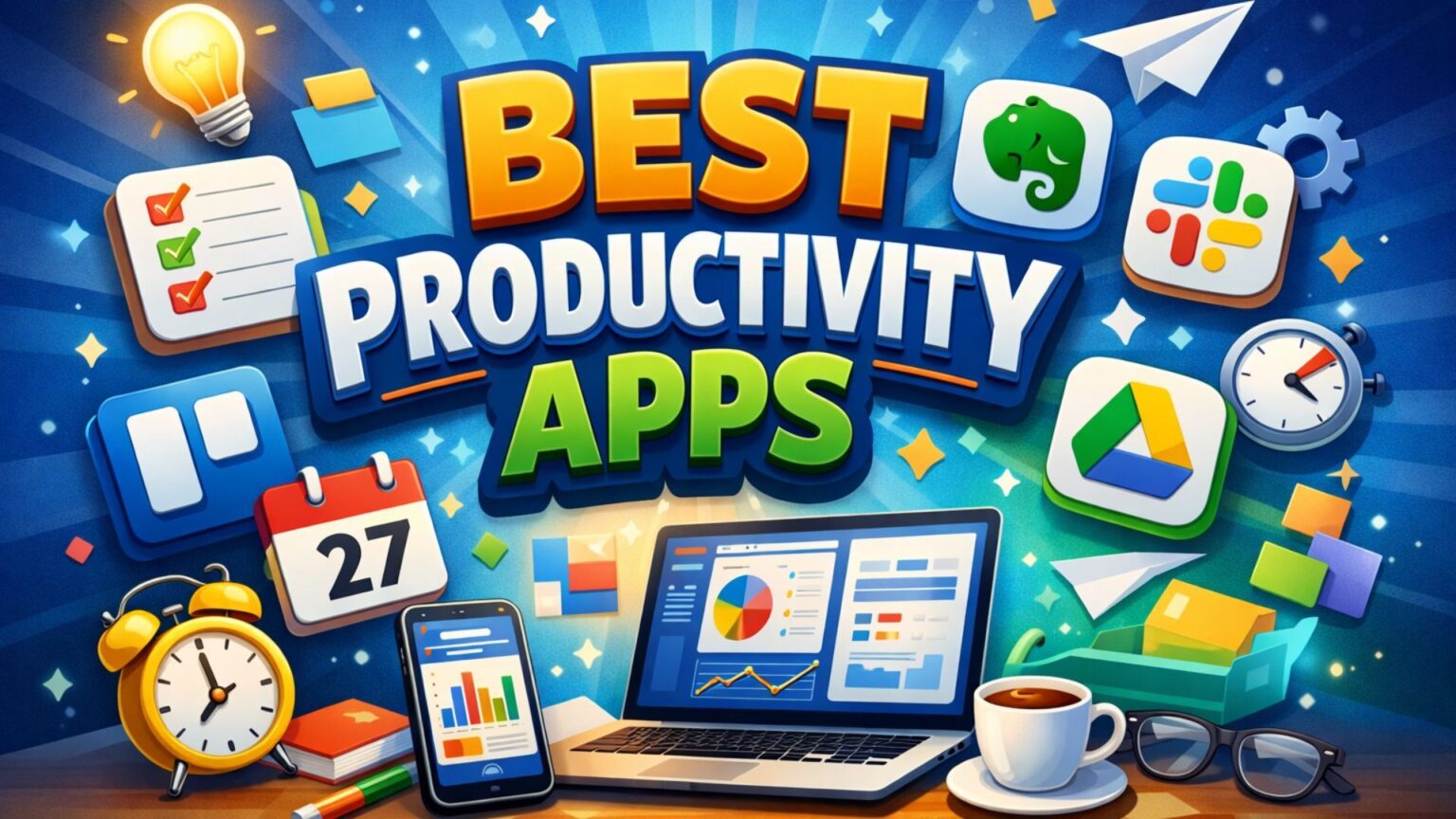
Top-rated apps for task management, focus, planning, and everyday productivity
Productivity is no longer limited to pen-and-paper planners or desktop tools. Whether you’re managing daily tasks, building habits, staying focused at work, or collaborating with teams, productivity apps now make it easier to stay organized anytime, anywhere.
In this roundup, we’ve reviewed some of the most widely used productivity apps of 2025, ranked based on user ratings, download volume, features, usability, and overall efficiency in managing tasks and time.
🔍 Finding the Right Productivity App: Where Do You Start?
With hundreds of productivity apps offering everything from simple to-do lists to advanced planners and focus tools, choosing the right app depends on how you work and what you need help with.
Before selecting a productivity app, consider the following factors:
- 📝 Task management features – to-do lists, subtasks, priorities, reminders
- ⏱️ Focus & time management tools – Pomodoro timers, focus modes, habit tracking
- 📅 Planning & organization – calendar views, daily planners, recurring tasks
- 🤝 Collaboration & sync – cloud backup, multi-device sync, team sharing
- 💸 Pricing model – free tools vs. subscription-based productivity apps
Understanding these aspects helps you choose a productivity app that fits your workflow and daily routine.
Detailed Reviews of Task & Productivity Apps
| App | Rating | Downloads | Action |
|---|---|---|---|
To-Do List - Schedule PlannerTask planner with reminders and calendar view. | ⭐ 4.8 | 10M+ | |
Forest: Focus for ProductivityFocus timer that reduces phone distractions. | ⭐ 4.4 | 10M+ | |
Google TasksSimple to-do lists with Gmail sync. | ⭐ 4.6 | 10M+ | |
Todoist: Planner & CalendarTask planner with recurring schedules and views. | ⭐ 4.6 | 10M+ | |
Any.do - To do list & CalendarTasks and calendar combined in one app. | ⭐ 4.5 | 10M+ | |
Notion: Notes, Tasks, AIAll-in-one workspace for notes and tasks. | ⭐ 4.6 | 10M+ | |
Microsoft To Do: Lists & TasksDaily task manager with smart lists. | ⭐ 4.7 | 10M+ | |
Focus To-Do: Pomodoro & TasksPomodoro timer with task tracking. | ⭐ 4.5 | 10M+ | |
Trello: Manage Team ProjectsVisual project management using boards. | ⭐ 4.2 | 10M+ | |
Fabulous Daily Routine PlannerHabit and routine planner for consistency. | ⭐ 4.2 | 10M+ |
Detailed Reviews of Task & Productivity Apps
A practical all-rounder offering strong reminders, categories, calendar view, and widgets without a complicated setup.
Pros:
- ✔️ Easy task creation with clean daily planning; strong reminders for recurring tasks; calendar view with categories
- ✔️ priorities
- ✔️ and subtasks; widgets with cloud sync and backup.
Cons:
- ❌ Requires multiple permissions; feature-rich interface may feel busy for minimal users.
Great for users who want to:
- ✔️ Users who forget tasks and need strong reminders; students planning daily or weekly schedules; users who prefer a calendar-style overview.
- Task lists
- priorities
- starred tasks
- subtasks; calendar view with recurring reminders; widgets and dark mode; cloud sync and backup (feature-dependent).
Review app permissions carefully and enable only what is required, such as calendar or storage access.
Turns focus into a game, making it effective for reducing phone distraction and improving deep-work consistency.
Pros:
- ✔️ Engaging focus timer that reduces phone distraction; Pomodoro and stopwatch modes; motivation through rewards and progress tracking; option to plant real trees.
Cons:
- ❌ Some features are limited to premium; app blocking and allow lists require careful setup.
Great for users who want to:
- ✔️ Students and exam prep users; people trying to reduce screen time; users who like gamified productivity.
- Focus timer and stopwatch modes; reminders and custom motivational phrases; stats and insights (premium); social focus sessions with “plant together.”
Configure allow lists so essential work apps are not blocked during focus sessions.
Reliable and lightweight for simple to-dos, especially for users deeply integrated with Gmail and Google Workspace.
Pros:
- ✔️ Lightweight and fast; seamless sync across devices; Gmail integration to convert emails into tasks; supports subtasks
- ✔️ due dates
- ✔️ and notifications.
Cons:
- ❌ Lacks advanced views and complex project management; not suitable for large teams.
Great for users who want to:
- ✔️ Users who want simple task lists with reminders; Gmail-heavy workflows; people who prefer a minimal interface.
- Task lists and subtasks; due dates and reminders; drag-and-drop prioritization; sync across Google ecosystem.
Advanced scheduling and reporting may require pairing with Google Calendar or switching to a more advanced tool.
Balances power and usability, making it dependable for long-term planning, recurring tasks, and team workflows.
Pros:
- ✔️ Powerful recurring tasks with natural language input; multiple planning views; strong third-party integrations; suitable for personal and team use.
Cons:
- ❌ Several advanced features require a paid plan; may feel heavy for simple task needs.
Great for users who want to:
- ✔️ Professionals managing multiple tasks or projects; users building habits and recurring schedules; teams needing collaboration.
- Projects
- labels
- filters
- and priorities; workflow templates; widgets
- quick add
- notifications; cross-platform sync.
Users needing only basic checklists may find simpler apps faster and less complex.
Ideal when tasks and calendar events need to be managed together in a single, unified daily view.
Pros:
- ✔️ Tasks and calendar in a single view; strong recurring
- ✔️ location
- ✔️ and voice reminders; easy list sharing and task assignment; useful for families and small teams.
Cons:
- ❌ Feature set can feel crowded initially; advanced functionality may require a subscription.
Great for users who want to:
- ✔️ Busy users managing tasks and meetings; families sharing lists and chores; small teams coordinating daily work.
- Daily planner and agenda views; calendar sync (Google
- Outlook
- Facebook); shared lists and collaboration; widgets and email-to-task support.
Users preferring a pure task manager may find the calendar-focused interface unnecessary.
Best suited for building a complete productivity system combining notes, tasks, databases, and collaboration.
Pros:
- ✔️ Combines notes
- ✔️ docs
- ✔️ tasks
- ✔️ and databases; highly customizable templates; suitable for personal systems and teams; strong search and organization.
Cons:
- ❌ Initial setup takes time; not ideal for quick
- ❌ lightweight task capture.
Great for users who want to:
- ✔️ Students managing notes
- ✔️ schedules
- ✔️ and assignments; professionals building project hubs and SOPs; teams collaborating on documentation.
- Pages
- databases
- kanban boards
- calendars (template-based); collaboration and sharing; cross-device sync; AI-assisted writing and analysis (plan-dependent).
Best results come after setting up templates; it is not ideal for ultra-fast task capture.
A calm, dependable daily organizer that works especially well within the Microsoft 365 ecosystem.
Pros:
- ✔️ Effective “My Day” planning; clean interface with reliable reminders; strong Microsoft 365 integration; easy shared list management.
Cons:
- ❌ Best experience limited to Microsoft ecosystem; lacks advanced automation for power users.
Great for users who want to:
- ✔️ Microsoft 365 users; people who plan daily priorities every morning; families sharing lists.
- My Day suggestions and smart lists; reminders and recurring tasks; notes and attachments; cross-device sync.
Integration is strongest within Microsoft services; Google-based workflows may feel less natural.
Combines task planning with structured Pomodoro focus sessions for productivity tracking.
Pros:
- ✔️ Combines Pomodoro timer with task manager; detailed productivity stats and reports; supports reminders
- ✔️ recurring tasks
- ✔️ and subtasks; suitable for study and work sessions.
Cons:
- ❌ Interface can feel dense; timer workflows need tuning for optimal use.
Great for users who want to:
- ✔️ Students and professionals using the Pomodoro technique; users tracking focus hours; people who prefer productivity reports.
- Custom Pomodoro sessions with breaks; task lists
- priorities
- and subtasks; productivity reports and stats; device sync (feature-dependent).
Start with default Pomodoro settings and fine-tune after gaining usage insights.
Excellent for visual project management and team collaboration using boards and workflows.
Pros:
- ✔️ Visual boards for clear project tracking; structured tasks with checklists
- ✔️ labels
- ✔️ and due dates; strong collaboration features; offline mobile support.
Cons:
- ❌ Not suitable for simple personal to-do lists; boards can become cluttered without discipline.
Great for users who want to:
- ✔️ Teams tracking workflows (content
- ✔️ design
- ✔️ development
- ✔️ operations); individuals who prefer kanban boards; project managers.
- Boards
- lists
- and cards; calendar and timeline views (plan-dependent); assignments
- comments
- attachments; update notifications.
Keep boards simple to avoid clutter and ensure smooth team adoption.
Focuses on building routines and habits through guided coaching rather than traditional task lists.
Pros:
- ✔️ Guided routine-building approach; strong focus on habits and wellness; includes journaling and affirmations; effective for motivation and consistency.
Cons:
- ❌ More focused on self-improvement than task management; premium features needed for full access.
Great for users who want to:
- ✔️ Users building morning and evening routines; people struggling with consistency and motivation; users combining productivity with wellness goals.
- Habit and routine planning; guided coaching journeys; journaling
- gratitude
- affirmations; progress tracking.
Works better alongside a task-focused app if strict work task management is required.
Related Posts

Voice Recording Apps for Everyday Use and Professional Needs in 2025
Top-rated apps for students, professionals, musicians, and everyday users Whether you’re recording a lecture, capturing an interview, logging meeting notes, or saving a musical idea...

From Bump to Baby: The Best Apps for a Healthy Pregnancy Journey
Top-rated apps for tracking pregnancy, baby growth, and parenting tips Becoming a parent is one of life’s most exciting journeys—and technology is here to make...

Best EV Charging Apps 2025 for Easy & Reliable Charging
Top-rated apps for EV drivers, long-distance travelers, and everyday commuters Electric vehicle adoption is growing rapidly, and with it comes the need for smooth, reliable,...